Introduction to MySQL
-
Learn the basics of MySQL and how relational databases manage structured data.
Topic 1: What is Python Database Connectivity?
Definition
Python Database Connectivity means connecting a Python program to a database so that Python can:
Store data
Read data
Update data
Delete data
In simple words:
Python talks to a database using a database connector.
Why Database Connectivity is Needed?
Without a database:
Data is lost when the program stops
Data cannot be shared
Large data is hard to manage
With database connectivity:
Data is stored permanently
Multiple users can access data
Data is secure and organized
How Python Connects to a Database
Python uses database drivers/connectors such as:
mysql-connector-python → MySQL
sqlite3 → SQLite
psycopg2 → PostgreSQL
These connectors allow Python to send SQL commands to the database.
Flow of Python Database Connectivity
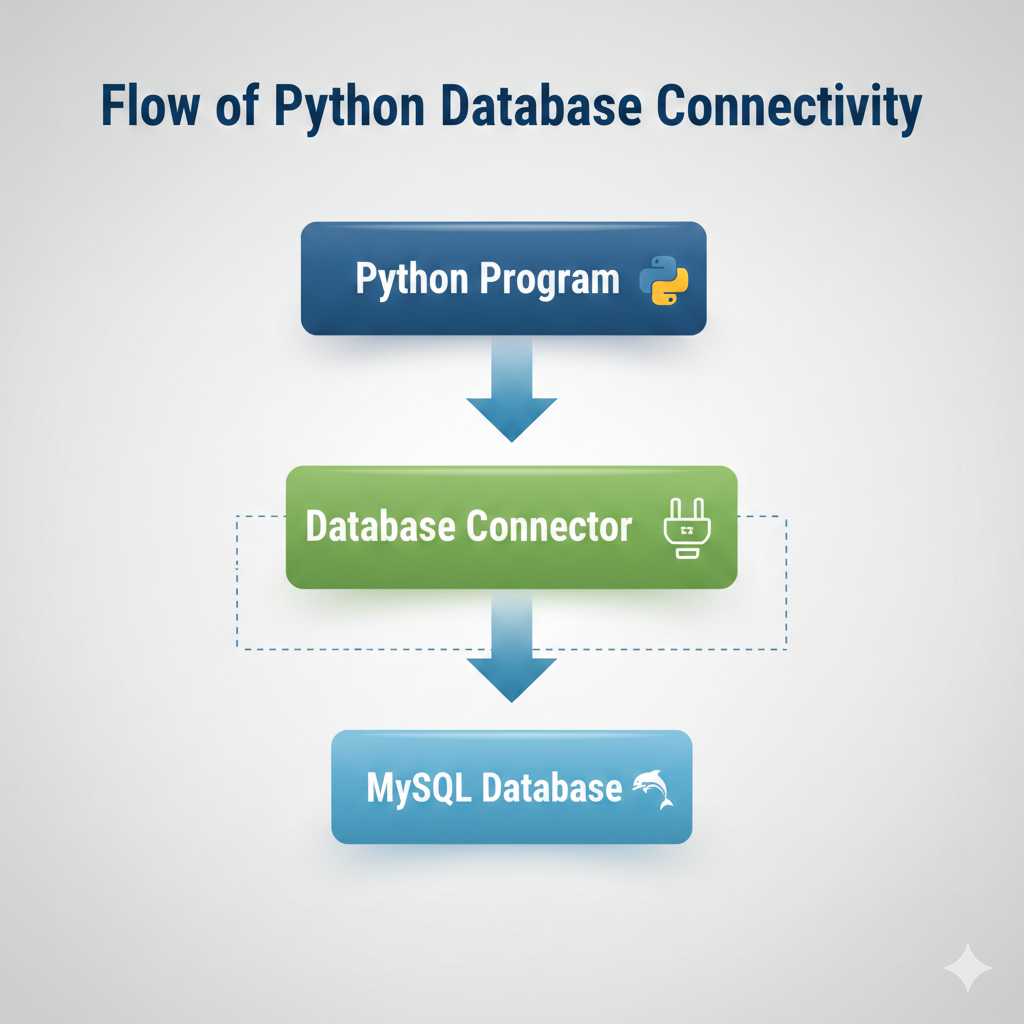
Example (Conceptual)
A login form :
User enters username & password
Python checks data in MySQL
Result is returned (valid / invalid)
Topic 2: Why Use MySQL with Python?
1. Easy Integration
Python and MySQL work very well together using:
mysql.connector
pymysql
No complex setup is required.
2. High Performance
MySQL handles large amounts of data
Fast query execution
Used in real-time applications
3. Open Source & Free
MySQL is free
Python is free
Perfect for students & startups
4. Secure Data Management
User authentication
Access permissions
Data backup support
5. Widely Used in Industry
Python + MySQL is used in:
Web applications
Banking systems
College management systems
E-commerce websites
Django & Flask projects
6. Supports CRUD Operations
Python can easily perform:
Create – Insert data
Read – Fetch data
Update – Modify data
Delete – Remove data
7. Best Choice for Beginners
SQL is easy to learn
MySQL is beginner-friendly
Python code is simple & readable
Real-Life Example
Student Management System
Python handles logic
MySQL stores:
Student details
Courses
Marks
Data is retrieved when needed