Python Data Types
-
Python data types define the kind of value a variable can store. Common built-in data types include integers (int) for whole numbers, floats (float) for decimal values, strings (str) for text, and booleans (bool) for true or false conditions.
Data Type :
A data type tells Python what kind of value a variable holds and what we can do with it.
Examples: text, numbers, true/false, lists, etc.
It helps Python understand how to store and process the value.
Basic Data Types in Python
This code demonstrates how to store different types of data in Python variables, including text (string), number (integer), and true/false value (boolean).
name = "Radha"   # text → str
age = 22        # number → int
is_student = True  # True/False → bool
1. Text Type:
str (String):
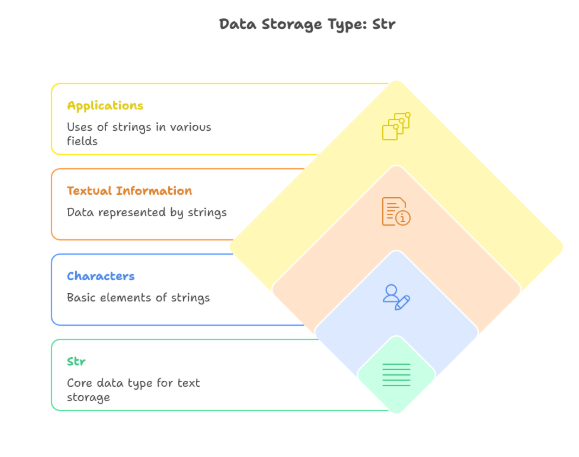
A string is a sequence of characters used to store text.
It can contain letters, numbers, spaces, or symbols, and is always written inside quotes ('' or "").
Used to store text.
Can include letters, numbers, symbols.
Printing a String Variable
This code stores a text value in a variable and prints it to the screen using the print() function.
title = "Learning Python"
print(title)
2. Numeric Types
Python has three numeric types.
int (Integer):
An integer is a whole number without a decimal point.
It can be positive, negative, or zero.
float (Floating Point Number)
A float is a number that contains a decimal point.
Used for representing real numbers and fractions..
Complex
A complex number contains a real part and an imaginary part.
It is written in the form a + bj, where j is the imaginary unit.
Numeric Data Types in Python
This code shows different numeric data types in Python: integer, floating-point number, and complex number.
roll_no = 15        # int
price = 99.99       # float
value = 7 + 2j      # complex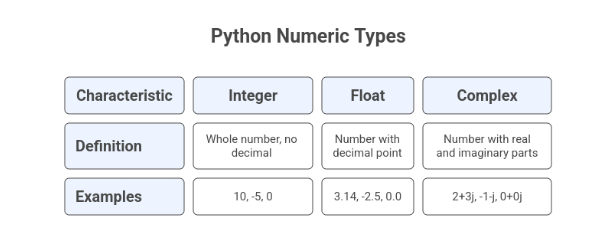
3. Sequence Types:
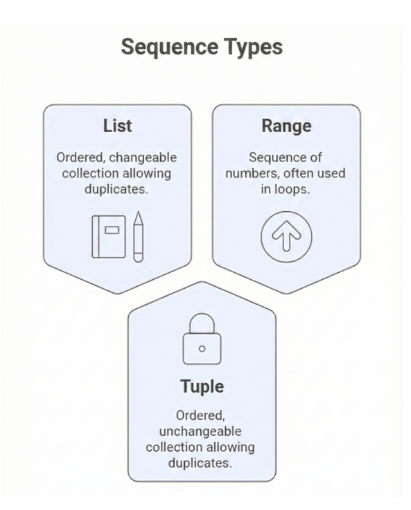
These store multiple items in an ordered way.
1. List :
A list is an ordered, changeable collection of items.
You can add, remove, or modify items.
Lists allow duplicate values.
Creating and Printing a List
This code creates a list to store multiple fruit names and displays all the items using the print() function.
fruits = ["mango", "apple", "grapes"]   # list
print(fruits)
2. tuple
A tuple is an ordered collection of items, but it is unchangeable (immutable).
Once created, items cannot be added or removed.
Duplicates are allowed.
Creating and Printing a Tuple
This code defines a tuple to store multiple color values and prints all the elements at once.
colors = ("red", "blue", "green")       # tuple
print(colors)
3. range
A range represents a sequence of numbers, usually used in loops.
It generates numbers starting from 0 (by default) up to a given number.
Using the Range Data Type
This code creates a range of numbers from 1 to 4 and prints the range object.
nums = range(1, 5)                      # range → 1,2,3,4
print(nums)
4. Mapping Type
dict (Dictionary)
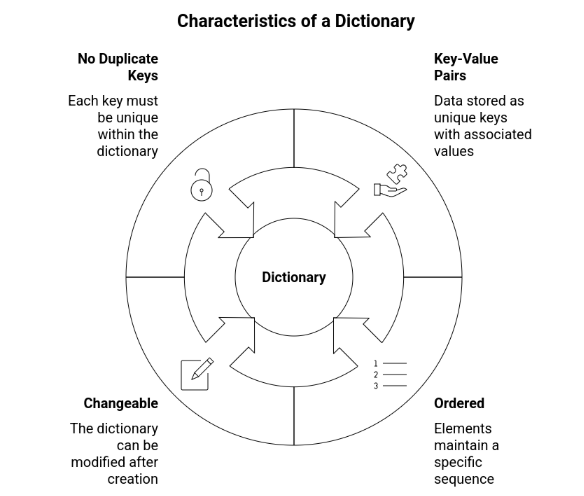
A dictionary is a collection of data stored as key-value pairs.
It is ordered (Python 3.7+), changeable, and does not allow duplicate keys.
Creating and Printing a Dictionary
This code creates a dictionary to store student details using key–value pairs and prints the dictionary.
student = {"name": "Radha", "age": 24}
print(student)
5. Set Types :
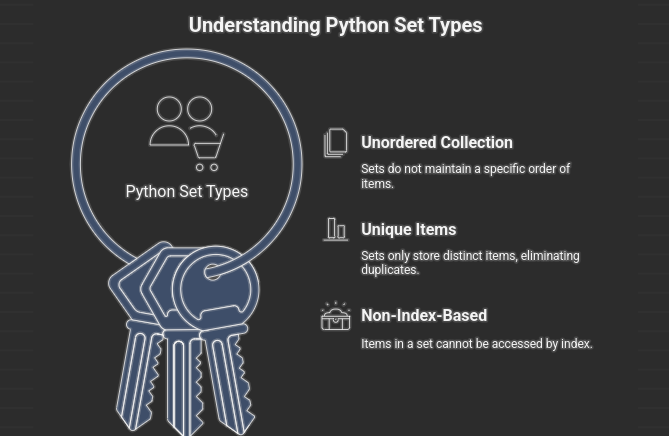
A set is an unordered collection of unique items.
It does not allow duplicates and the items are not index-based.
Set and Frozenset Data Types
This code demonstrates a set, which stores unique items, and a frozenset, which is an immutable (unchangeable) set in Python.
items = {"pen", "book", "pen"}         # set → {"pen", "book"}
fixed_items = frozenset(["a", "b", "c"])
6. Boolean Type:
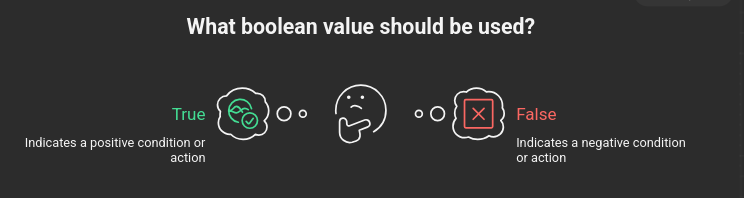
A boolean stores only two possible values:
✔ True
✔ False
Used in conditions and decision making.
Using a Boolean Variable
This code assigns a Boolean value (True) to a variable, representing an active or inactive state.
is_active = True7. Binary Types :
Binary types in Python are used to store and work with data in binary (0s and 1s) form, such as raw bytes and binary files.
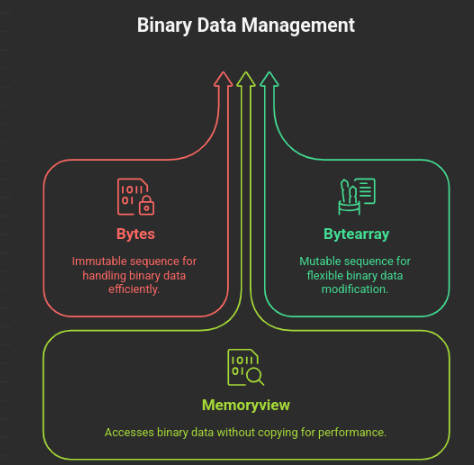
1.bytes
A bytes object is an immutable (unchangeable) sequence of bytes.
Used for handling binary data like images or files.2. bytearray
A bytearray is a mutable (changeable) sequence of bytes.
You can modify the data inside it.3.memoryview
A memoryview allows you to access the data of another binary object (like bytes) without copying it.
Useful for performance in large data handling.
Binary Data Types in Python
This code shows different binary data types—bytes, bytearray, and memoryview—used to work with raw binary data in Python.
data1 = b"ABC"              # bytes
data2 = bytearray(3)        # bytearray
data3 = memoryview(bytes(4))
8 NoneType
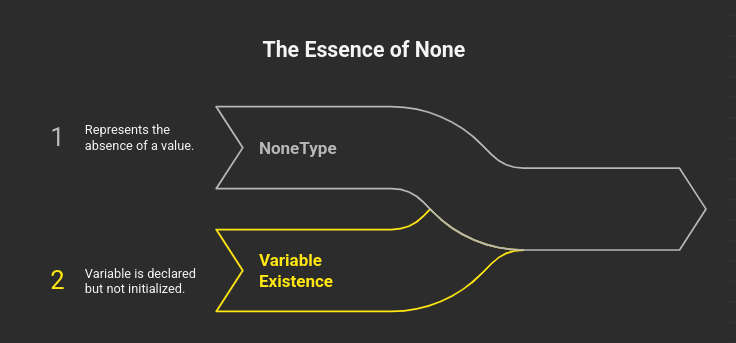
NoneType represents the value None, which means "no value" or "empty".
Used when a variable should exist but not have a value yet.
Using the None Data Type
This code assigns None to a variable, indicating that it has no value or is empty.
x = NoneCheck the Data Type
Use the type() function to see what type a variable is.
Checking the Data Type of a Variable
This code uses the type() function to identify and display the data type of a variable.
a = 42
print(type(a))      # <class 'int'>
Data Type is Set Automatically
In Python, the data type is decided automatically when you assign a value.
Different Data Types in Python
This code shows how Python variables can store different types of values such as string, integer, float, and dictionary.
a = "Hello"      # str
b = 25           # int
c = 3.14         # float
d = {"x": 1}     # dict