React Overview
-
React Overview introduces learners to React.js by explaining what it is, why it was created, its core features, and how it helps build efficient user interfaces.
What is React?
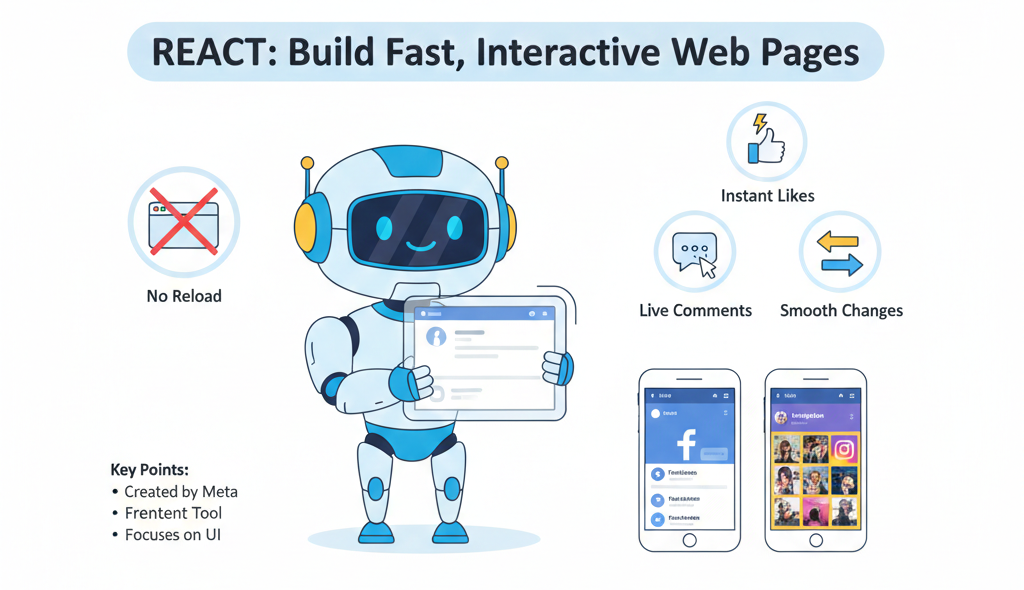
React is a JavaScript library used to build user interfaces (UI), especially for single-page applications (SPAs) where the page does not reload again and again.
In simple words:
React helps us build fast, interactive, and reusable web pages.Example:
Think of a website like Facebook or Instagram:
Likes update instantly
Comments appear without page refresh
Content changes smoothly
This smooth experience is possible because of React.
Key Points:
Created by Facebook (Meta)
Used for frontend development
Focuses only on UI (View layer)
Why React Was Created?
Before React, developers used traditional JavaScript or jQuery to update the UI.
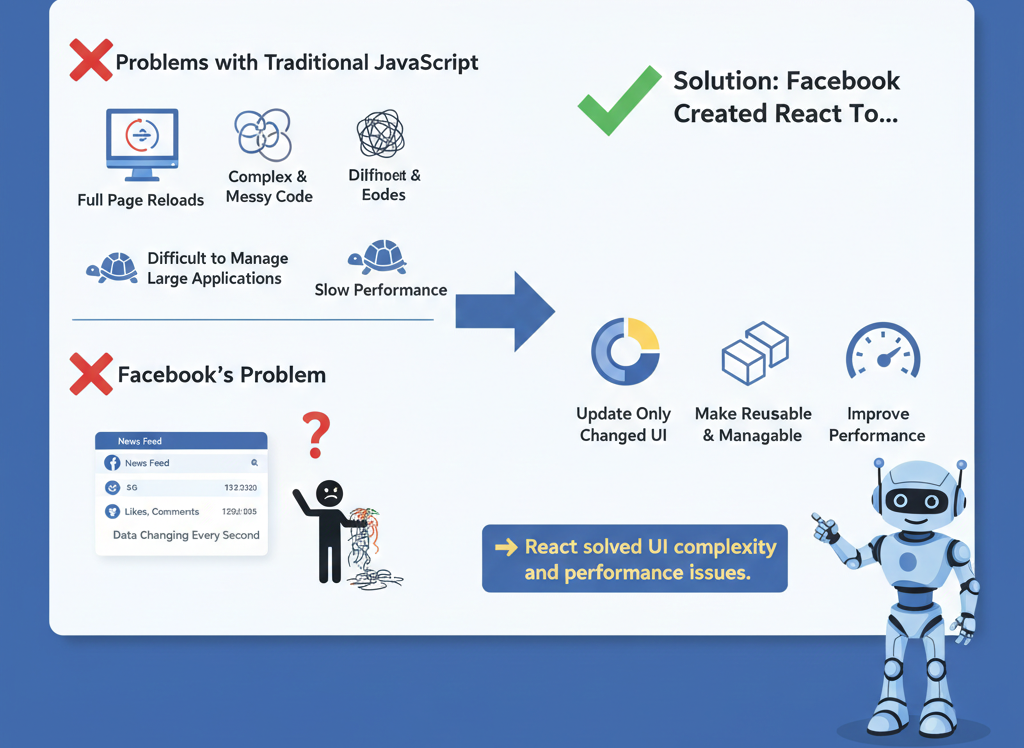
Problems with Traditional JavaScript:
Full page reloads
Complex and messy code
Difficult to manage large applications
Slow performance
Facebook’s Problem:
Facebook had huge, dynamic UIs:
News feed updates
Likes, comments, notifications
Data changing every second
Managing this with normal JavaScript became very hard.
Solution:
Facebook created React to:
Update only the changed part of UI
Make code reusable and manageable
Improve performance
React was created to solve UI complexity and performance issues.
Key Features of React
1. Component-Based Architecture
React applications are built using components.
A component is a small, reusable piece of UI.
Example:
Header component
Footer component
Button component
Benefits:
Reusable code
Easy maintenance
Clean structure
2. Virtual DOM
React uses a Virtual DOM, which is a lightweight copy of the real DOM.
How it works:
UI changes
React updates Virtual DOM
React compares old vs new Virtual DOM
Only changed parts update in real DOM
Result:
Faster performance
Less browser work
3. JSX (JavaScript XML)
JSX allows writing HTML inside JavaScript.
<h1>Hello React</h1>
Benefits:
Easy to read
Combines logic and UI
Less code
4. One-Way Data Binding
Data flows in one direction (Parent → Child).
Benefits:
Easy debugging
Better control over data
Predictable behavior
5. Reusability
Once you create a component, you can use it again and again.
Example:
Same button used in multiple pages
6. Huge Ecosystem & Community
Libraries
Tools
Tutorials
Job opportunities
React vs Traditional JavaScript
Simple Explanation:
React updates only what changes,
JavaScript often updates everything.Where React Is Used in Industry?
React is used by top tech companies worldwide.
Famous Companies Using React:
Facebook
Instagram
Netflix
WhatsApp Web
Airbnb
Uber
Amazon
Flipkart
Use Cases:
Social media apps
E-commerce websites
Dashboards
Admin panels
Single-page applications
Progressive web apps
Who Can Learn React?
React is suitable for many types of learners.
Students:
College students
IT beginners
Final year project students
Developers:
JavaScript developers
Frontend developers
Full-stack developers
Prerequisites:
Basic HTML
Basic CSS
Basic JavaScript
You don’t need to be an expert in JavaScript to start React.
Advantages of React
1. Fast Performance
Virtual DOM makes apps faster
2. Reusable Components
Saves development time
3. Easy Maintenance
Small components = easy updates
4. Strong Community Support
Huge learning resources
Easy problem solving
5. SEO Friendly
Supports server-side rendering
6. Industry Demand
High-paying jobs
Popular skill worldwide