HTML Structure
- This lesson explains the basic structure of an HTML document, including the doctype declaration, html tag, head section, and body section.
What is HTML ?
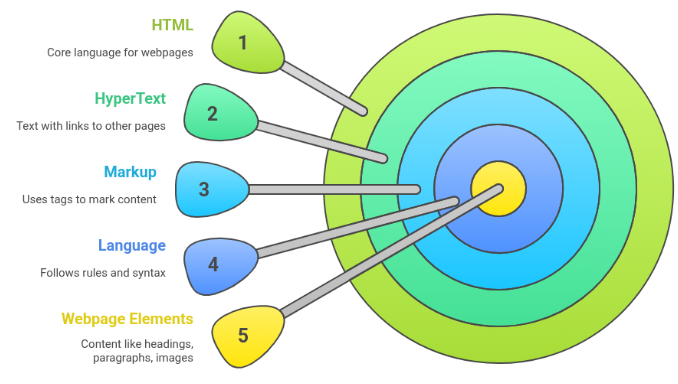
HTML = HyperText Markup Language
HTML is the standard language used to create webpages.
It tells the web browser two very important things:What content exists
Text, images, videos, links, buttons, formsHow that content is organized
Headings, paragraphs, sections, listsImportant Note:
HTML does NOT handle:Design (that’s CSS)
Logic or interaction (that’s JavaScript)
HTML’s job = Structure + Content only
Breaking Down the Name: HTML
Let’s understand it word by word:
HyperText
Text that contains links
Allows users to jump from one page to anotherMarkup
Uses special tags to mark content
Example: <h1>, <p>, <img>Language
Follows fixed rules & syntax
Conclusion:
Must be written correctly for browsers to understand
👉 HTML is a language that marks content using tags
What Does HTML Actually Do ?
HTML helps the browser understand:
This is a heading
This is a paragraph
This is an image
This is a link
This is a formWithout HTML:
Everything would look like plain text
No structure
No clarity
No proper webpage
HTML gives meaning to content
Why HTML Is So Important
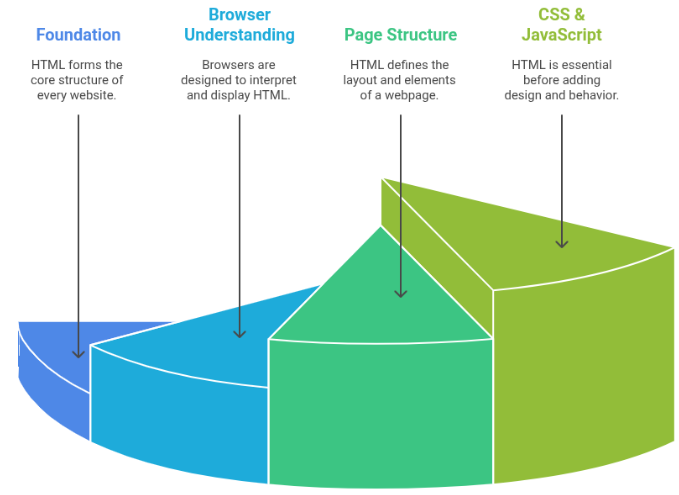
Foundation of Every Website
Every website you visit starts with HTML
Examples:
YouTube
Instagram
Amazon
Even the biggest apps are built on top of HTML
Browsers Understand HTML
Web browsers are designed to read HTML files and display them visually.
Popular browsers:
Chrome
Firefox
Safari
Edge
No HTML = Browser has nothing to display
Creates Page Structure
HTML defines:
Headings
Paragraphs
Lists
Images
Forms
TablesWhy does structure matter ?
Better user experience
Better readability
Better SEO (search engine ranking)
Required Before CSS & JavaScript
Correct Learning Order:
HTML → Structure
CSS → Design
JavaScript → BehaviorWithout HTML:
CSS has nothing to style
JavaScript has nothing to control
HTML Structure
(The Skeleton of Every Webpage)
Every HTML page follows a fixed and logical structure, just like a human skeleton.
This structure helps:
Browsers understand the page correctly
Developers write clean & readable code
Search engines index pages properlyThink of HTML structure as the blueprint of a building.