Web Application Basics
- Web application fundamentals focusing on client-server architecture, REST APIs, HTTP methods, and HTTP status codes used for frontend and backend communication.
🔹 Client-Server Architecture
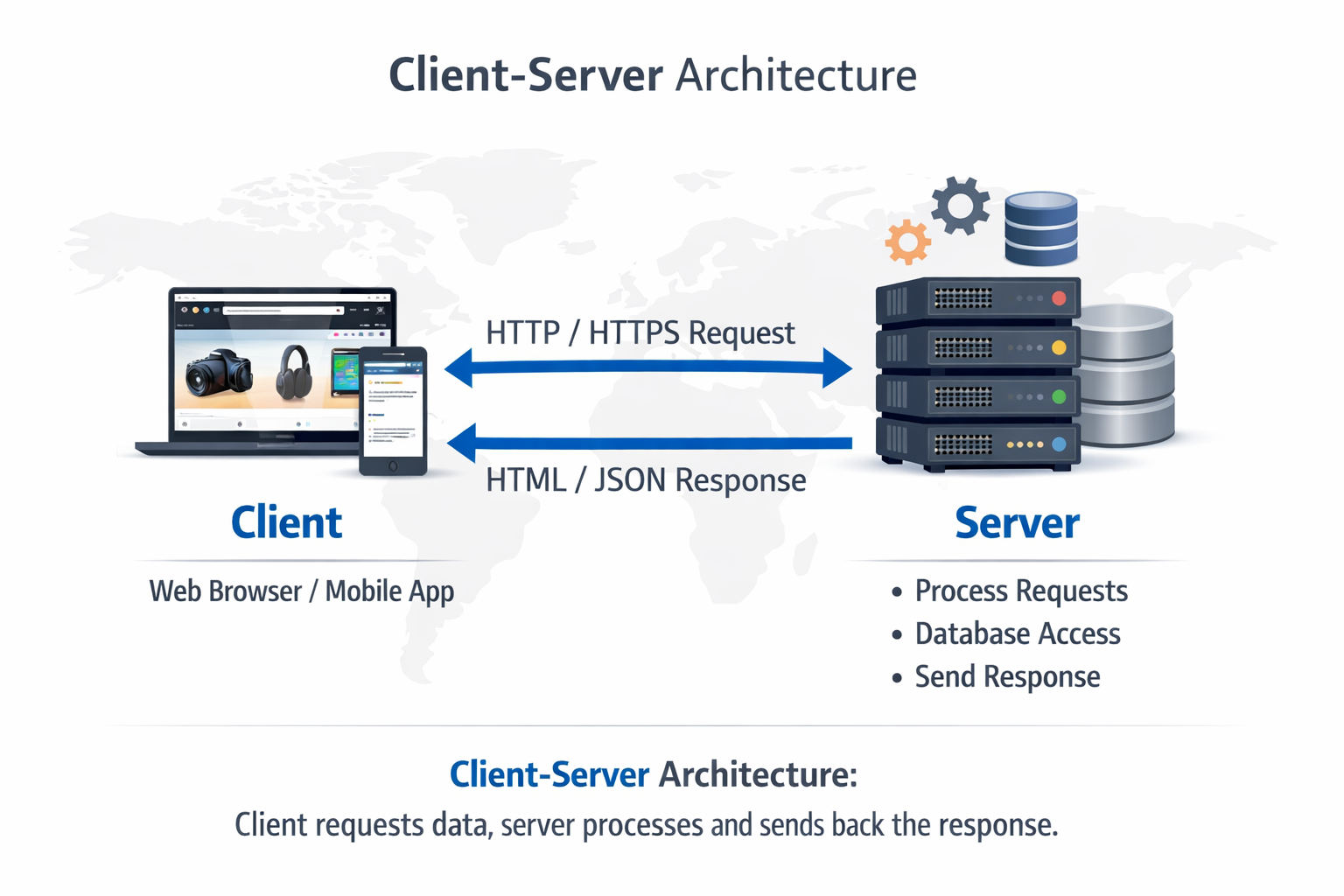
Client-Server Architecture is the foundational model for web applications. In this model:
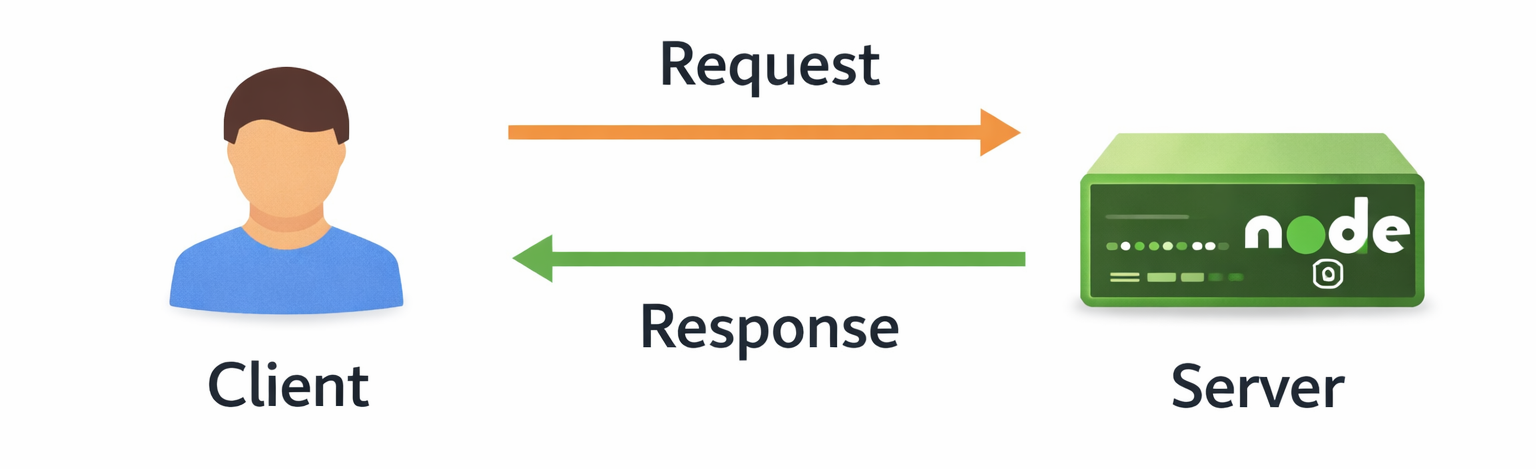
Client: The user-facing side, usually a web browser or mobile app, sends requests to the server.
Server: The backend system processes client requests, executes business logic, accesses databases, and sends responses back to the client.
Key Points:
Communication happens over HTTP/HTTPS.
Servers can handle multiple clients simultaneously.
Separation of concerns: client handles UI, server handles data & logic.
Example:
When you open a website like Amazon, your browser (client) sends a request for product details. The server fetches data from the database and returns it as JSON or HTML to display.
🔹 REST APIs Overview
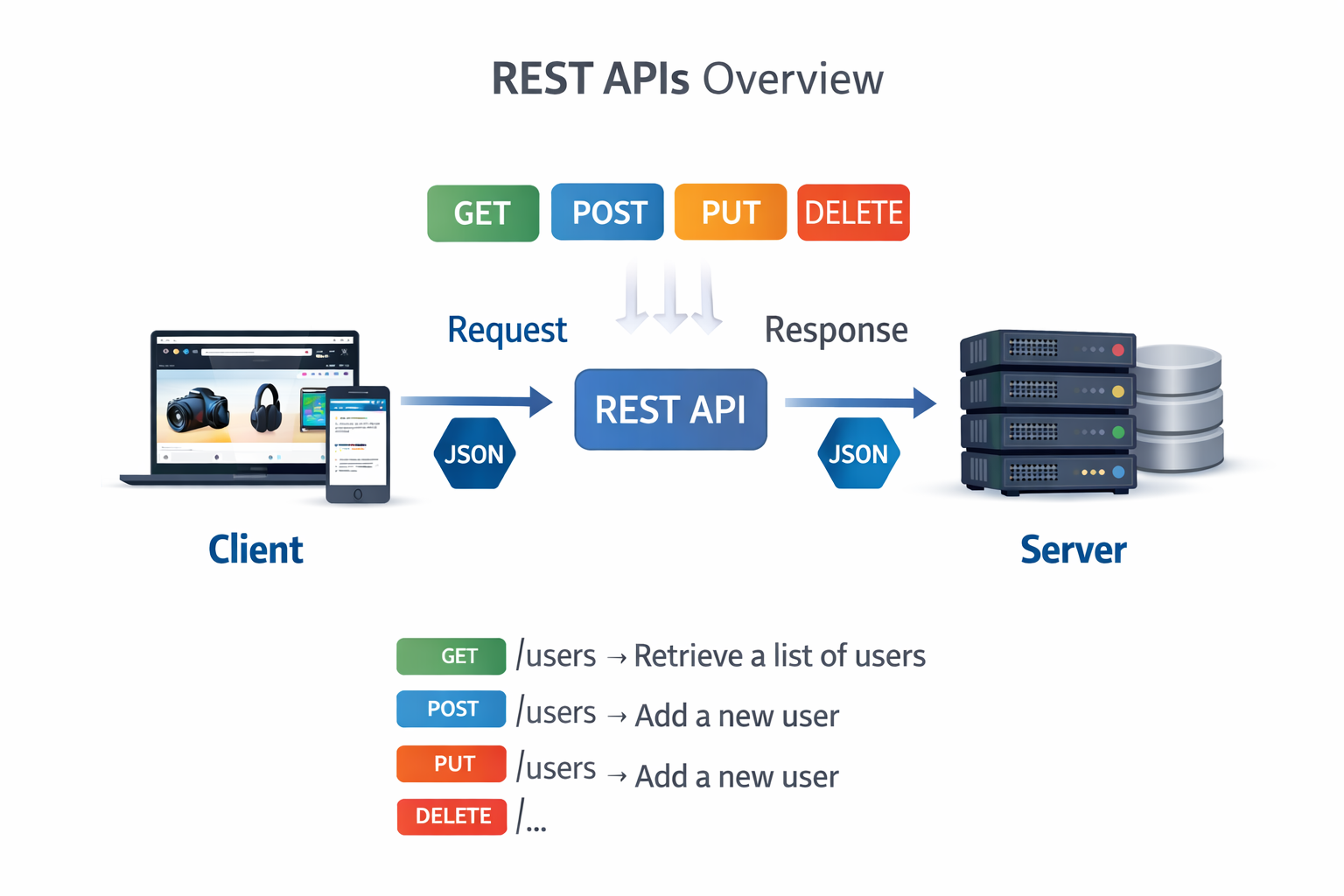
REST (Representational State Transfer) is an architectural style used for designing web APIs. REST APIs allow the client and server to communicate over HTTP in a stateless manner.
Key Features:
Stateless: Each request contains all necessary information; server does not store client state.
Resources: Data is treated as resources (e.g., /users, /products) accessed via URLs.
Methods: Standard HTTP methods are used (GET, POST, PUT, DELETE).
Data Format: JSON is most commonly used.
Example:
GET /users → Retrieve a list of users
POST /users → Add a new user
🔹 HTTP Methods & Status Codes
HTTP Methods define the type of action the client wants the server to perform, while HTTP Status Codes indicate the result of that action.
Together, they form the core communication mechanism between client and server in web applications.HTTP methods describe what to do, and status codes describe what happened.
Key Points (HTTP Methods):
GET: Used to retrieve data from the server
POST: Used to send new data to the server
PUT: Used to update existing data
DELETE: Used to remove data from the server
Each method represents a specific CRUD operation:
Create → POST
Read → GET
Update → PUT
Delete → DELETE
Key Points (HTTP Status Codes):
200 (OK): Request successful
201 (Created): Resource successfully created
400 (Bad Request): Invalid request data
401 (Unauthorized): Authentication required
404 (Not Found): Resource not available
500 (Internal Server Error): Server-side error
Status codes help the client understand whether the request succeeded or failed.
Labels:
“HTTP Request”
“Server Logic”
“HTTP Response”