Express.js Basics
-
Express.js is a fast, lightweight, and flexible Node.js web application framework used to build backend web applications and REST APIs.
It provides a simple layer on top of Node.js that makes handling HTTP requests, responses, middleware, and routing much easier and more structured.
🔹 What is Express.js?
Express.js is a lightweight and flexible Node.js web framework used to build web servers and APIs easily. It sits on top of Node.js and simplifies tasks such as handling requests, routing, and sending responses.
Without Express, creating a server in Node.js requires more code and manual handling. Express provides a clean structure that makes backend development faster and more organized.
Express is widely used for building REST APIs, backend services, and full-stack applications using the MERN stack.
🔹 Creating an Express Server
To create an Express server, we first install Express and import it into our project. Express provides an application object that represents the server.
Example:
Creating a Basic Express.js Server
This code demonstrates how to create a simple Express.js server. The app.listen() method starts the server on port 3000, and the callback confirms that the server is running, ready to handle incoming HTTP requests.
const express = require('express');
const app = express();

app.listen(3000, () => {
  console.log('Server running on port 3000');
});
In this example:
express() creates the server application
app.listen() starts the server and listens for incoming requests
Once the server is running, it is ready to accept client requests through HTTP.
Request–Response Flow (Express Server)
When a client sends a request:
The request reaches the Express server
Express processes the request
A response is sent back to the client
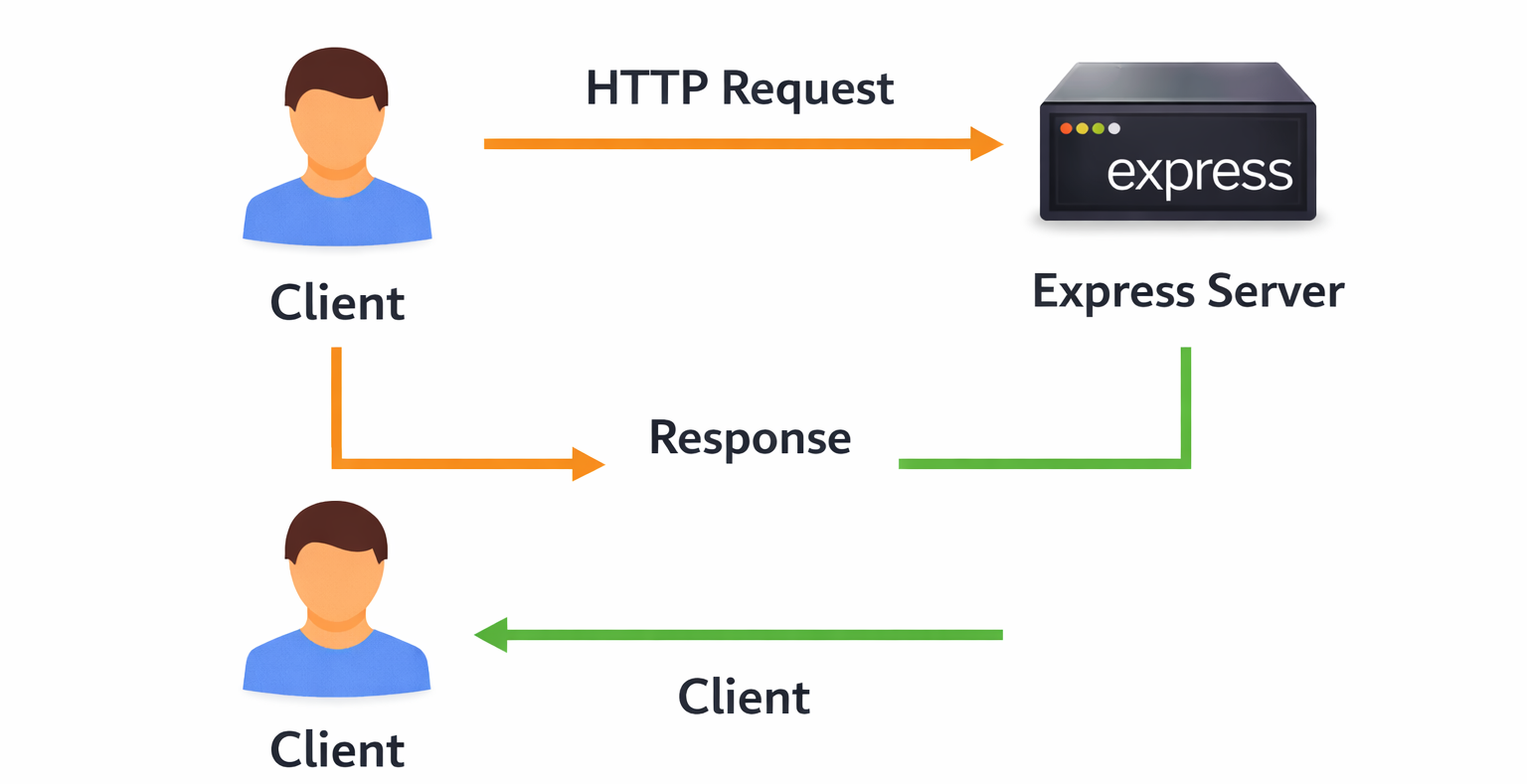
This flow applies to all routes and APIs created using Express.
🔹 Routing Basics
Routing in Express defines how the server responds to different URLs and HTTP methods. Each route is associated with a specific path and method.
Example:
Handling GET Requests in Express.js
This code demonstrates how to define a GET route in Express.js. When a user visits the root URL (/), the server responds with "Welcome to Express", showing how Express handles routing and sends responses to clients.
app.get('/', (req, res) => {
  res.send('Welcome to Express');
});
This route responds when a client sends a GET request to the root URL.
Multiple Routes Example
GET and POST Routes in Express.js
This code demonstrates handling different HTTP methods in Express.js. The GET /users route responds with a user list, while the POST /users route handles creating a new user. It shows how Express routes requests based on method and URL.
app.get('/users', (req, res) => {
  res.send('User list');
});

app.post('/users', (req, res) => {
  res.send('User created');
});
Here:
/users with GET returns data
/users with POST creates new data
Express matches the request URL and method to the correct route handler.