Path, OS & HTTP Modules
- Node.js core modules Path, OS, and HTTP are used to handle file and directory paths, read system and environment information, and build a basic HTTP server. This content explains how requests are received, processed, and responded to within a Node.js application using the HTTP module.
🔹 Node.js Path, OS & HTTP Modules
Beginner-Friendly Book Style Explanation
Node.js provides core modules that allow developers to work directly with the system, files, and network.
In this chapter, we will learn three very important core modules:Path Module → Work with file and directory paths
OS Module → Get system and environment information
HTTP Module → Create a basic web server
🔹 Path Module
Understanding File & Directory Paths
Every file on a computer has an address, just like a home address in real life.
This address is called a file path.Example:
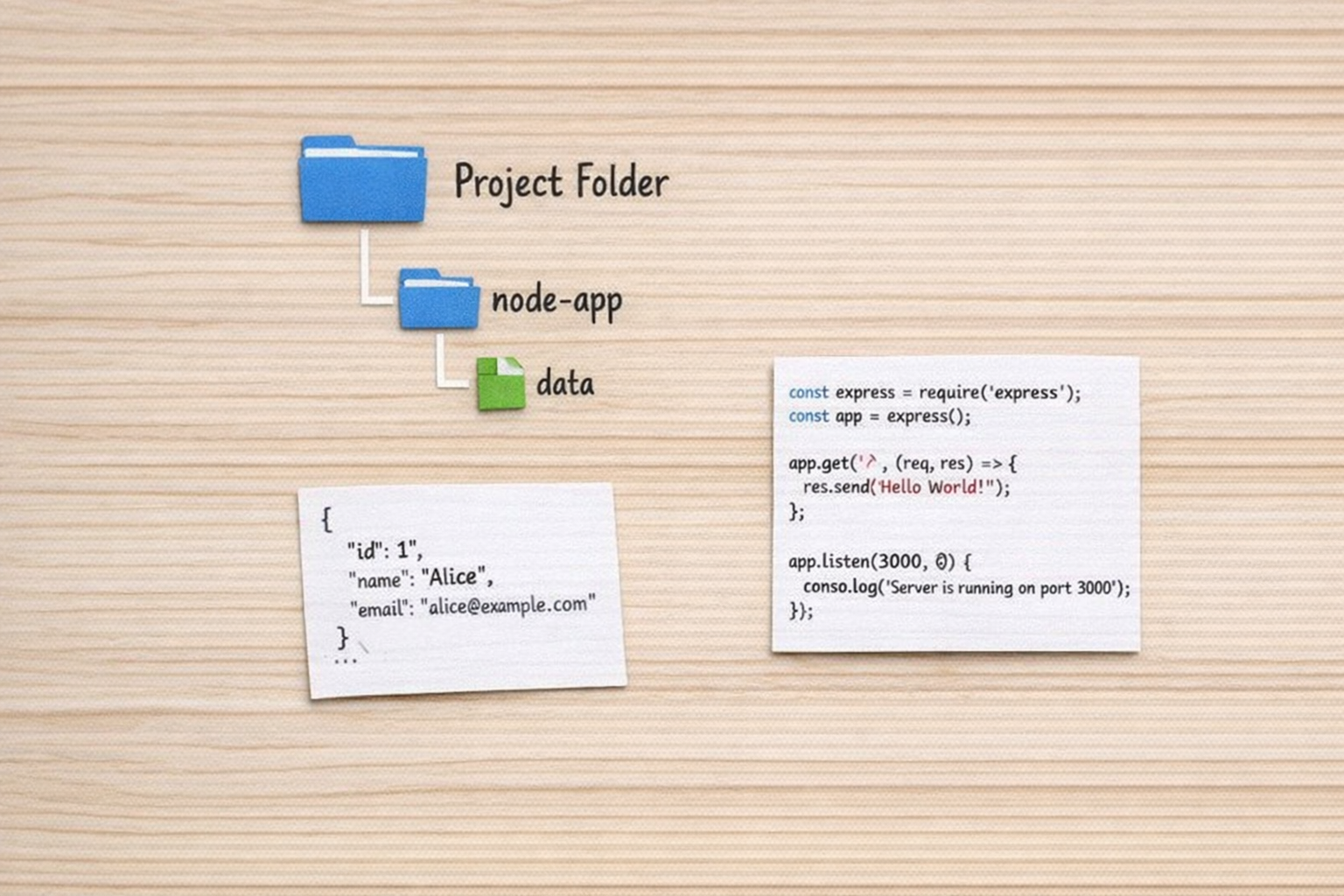
Node.js File System Operations – index.js
This file serves as the main entry point of the Node.js application, demonstrating basic file system operations using core modules like fs to read, write, or append data efficiently.
C:\project\node-app\index.jsHandling file paths manually can be unsafe and confusing, especially across different operating systems.
Node.js solves this problem using the Path module.Why Use the Path Module?
Different OS use different path formats (Windows vs Linux)
Avoids errors with / and \
Creates safe and reliable file paths
Learning with a Simple Story
Imagine you are building a Node.js application and you want to:
Get a file name
Check the file extension
Join multiple folder paths
Find the full file location
All of this becomes easy using the Path module.
What You Can Do with Path Module
Extract file name from a path
Get file extension
Join multiple directory paths
Create absolute paths
🔹 OS Module
System & Environment Information
A Node.js application often needs to know details about the system it is running on.
This information is provided by the OS module.What is the OS Module?
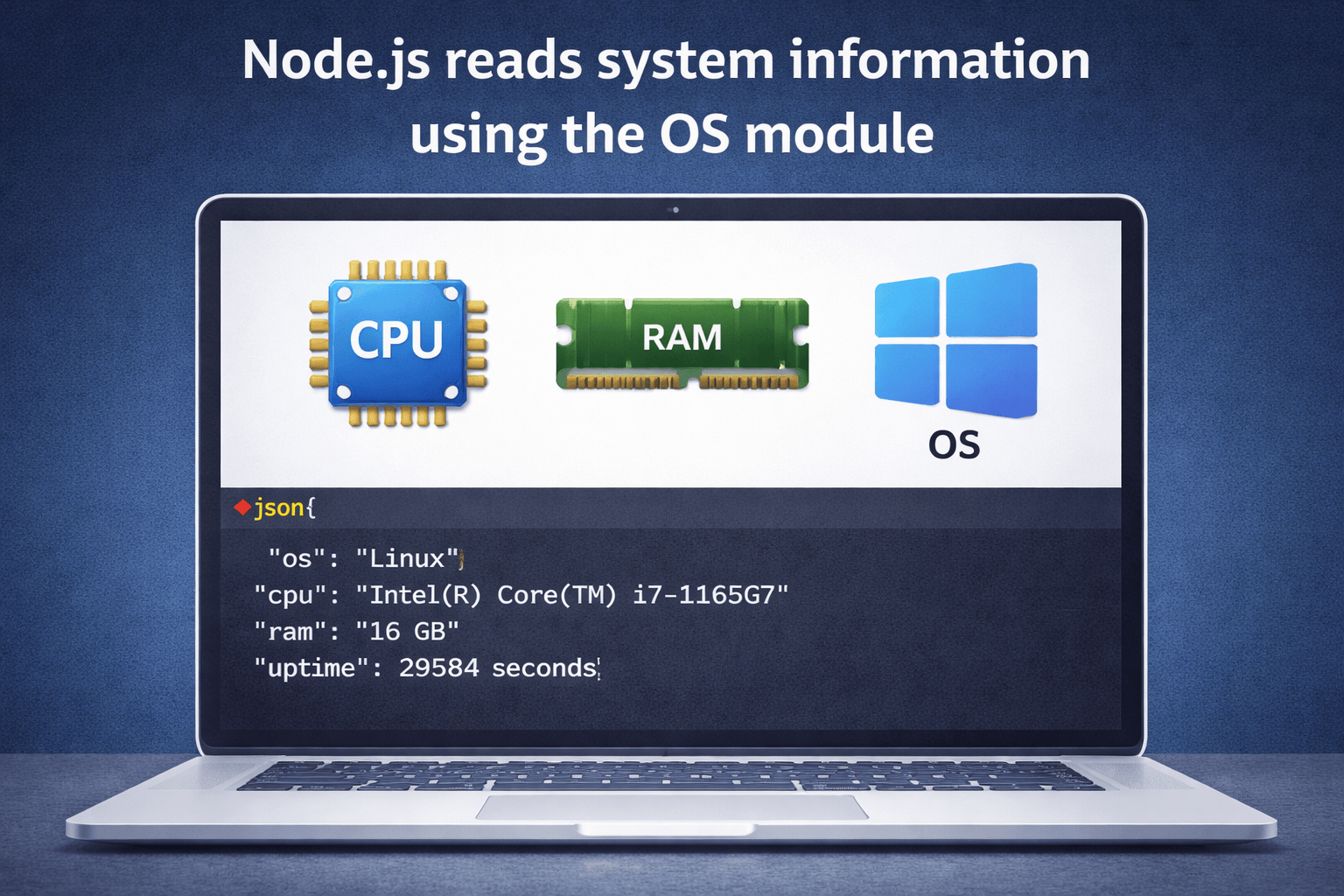
The OS module gives access to operating system details, such as:
Operating system name
CPU information
Memory details
User information
This is useful for monitoring, logging, and performance optimization.
Real-Life Example
Suppose you are running a Node.js server and you want to check:
How much RAM is available
Which operating system the server uses
Whether the system is under heavy load
The OS module helps you get all this data.
What You Can Learn Using OS Module
Total and free system memory
System architecture (32-bit / 64-bit)
Hostname of the system
Platform (Windows, Linux, macOS)
🔹 HTTP Module
Creating a Basic Server
One of the most powerful features of Node.js is the ability to create a server without extra software.
This is done using the HTTP module.What is HTTP?
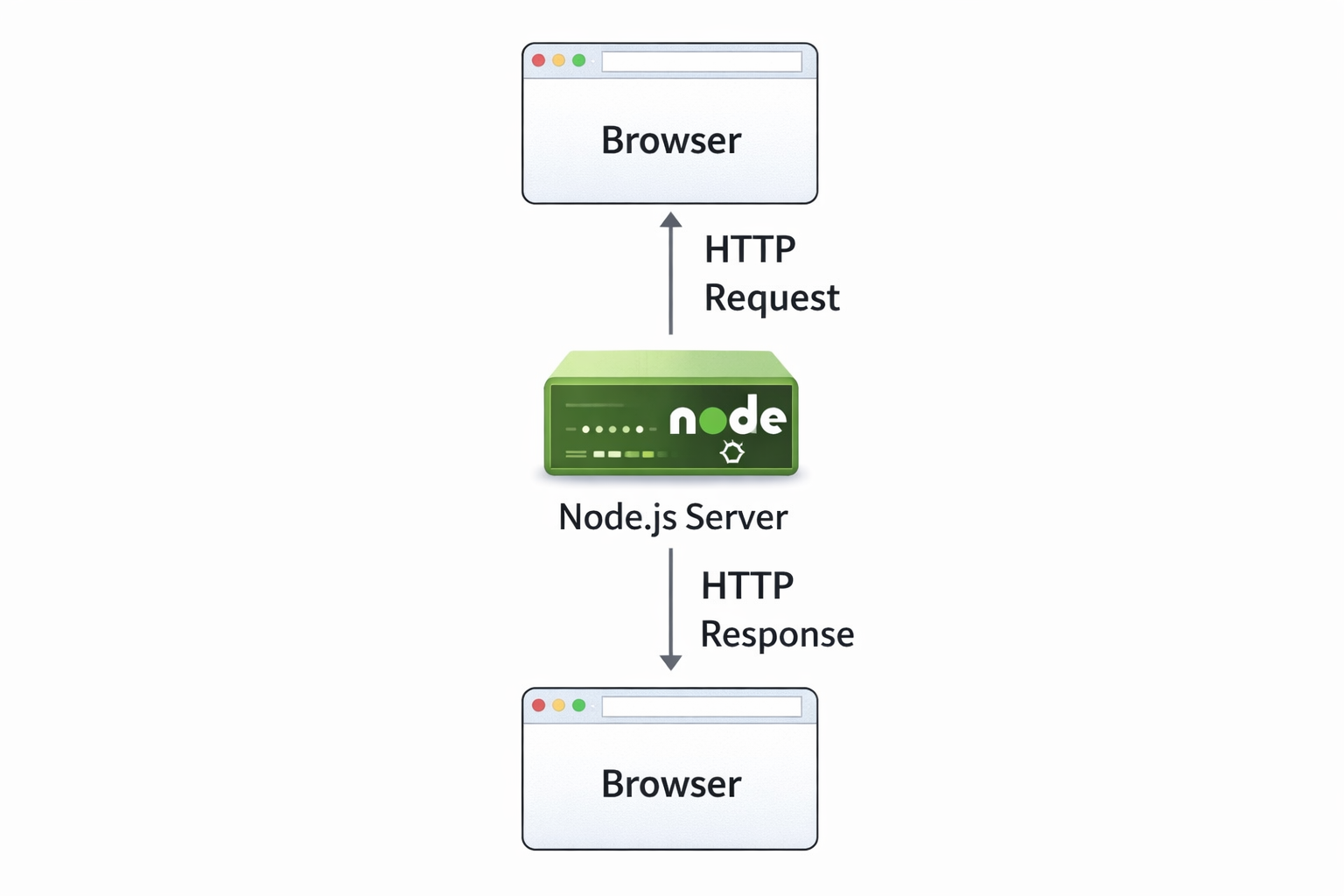
HTTP is a communication rule that allows:
Browsers to send requests
Servers to send responses
Node.js follows this rule to build web servers.
Simple Explanation
Think of:
Browser as a customer
Server as a shop
Request as an order
Response as the product
The HTTP module manages this entire process.
What Does an HTTP Server Do?
Receives a request from the browser
Understands the request (URL, method)
Processes logic
Sends a response back
🔹 Request & Response Flow
How Communication Happens
When a user types a URL like:
Request & Response Flow in Node.js
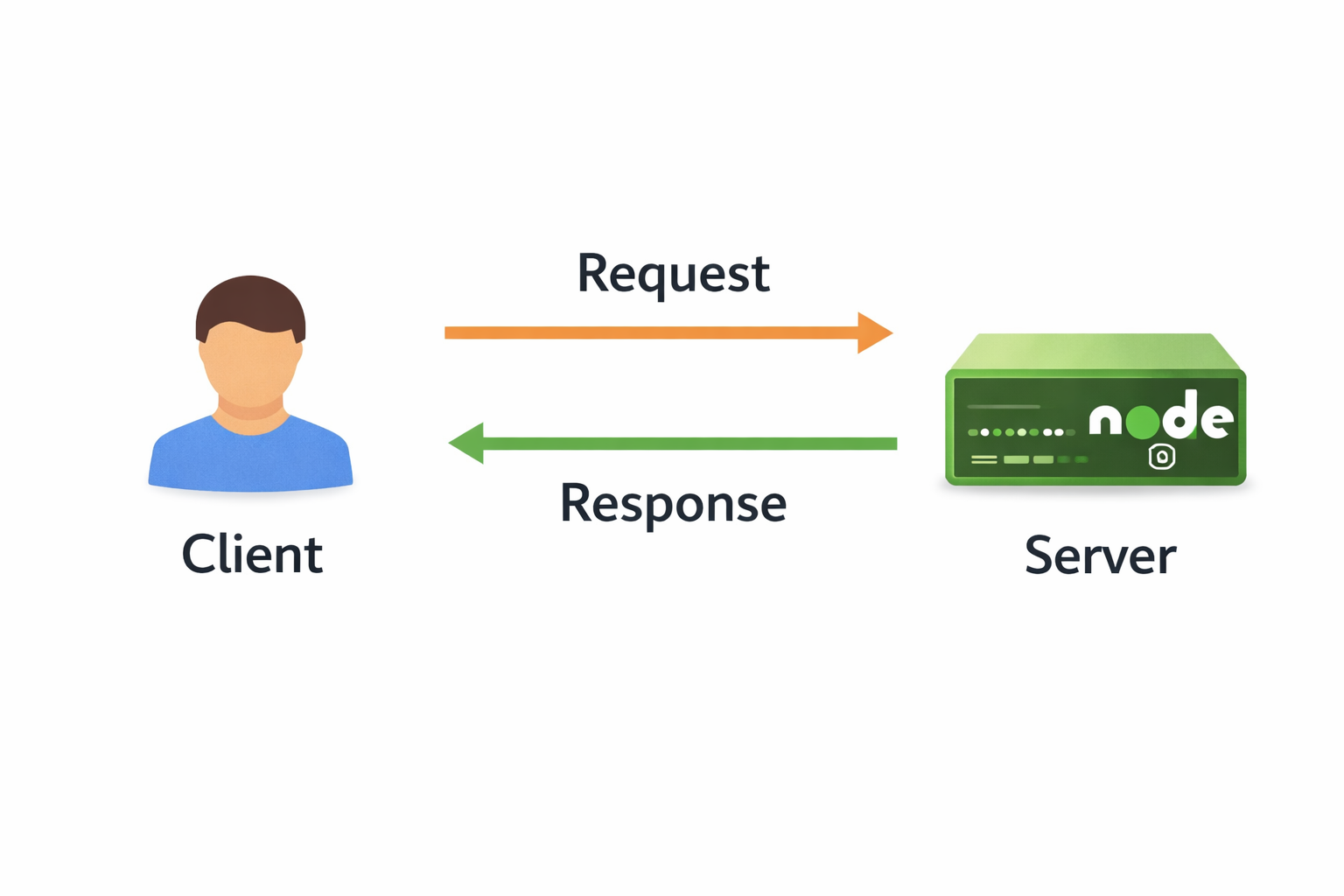
This chapter explains how communication works between the browser and a Node.js server. When a user enters a URL like http://localhost:3000, the browser sends a request to the server, and the server processes it and returns a response.
http://localhost:3000The following steps happen behind the scenes.
Step-by-Step Request–Response Flow
Browser sends a request
Node.js server receives the request
Server processes the request
Server prepares a response
Browser receives and displays the response
Request Object (From Client)
Contains:
URL
HTTP method (GET, POST)
Headers
Response Object (From Server)
Contains:
Status code (200, 404, 500)
Data/content
Headers
Labels:
Request: Method + URL
Response: Status Code + Data